







Video Gallery
Troubleshooting
Follow our step-by-step video tutorials and replacement guidance.
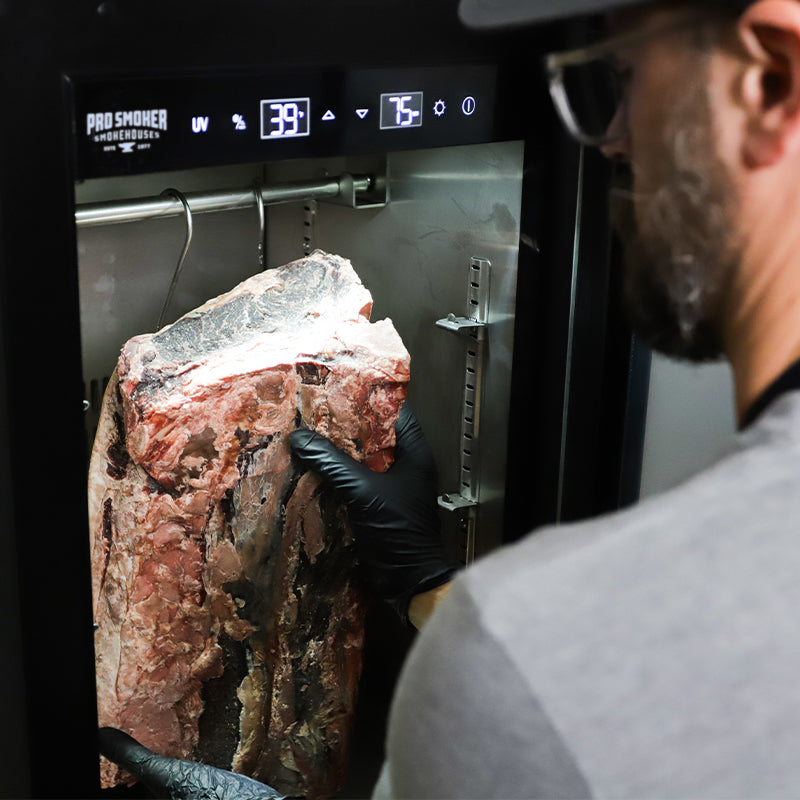
Reserve Dry Agers
-
-
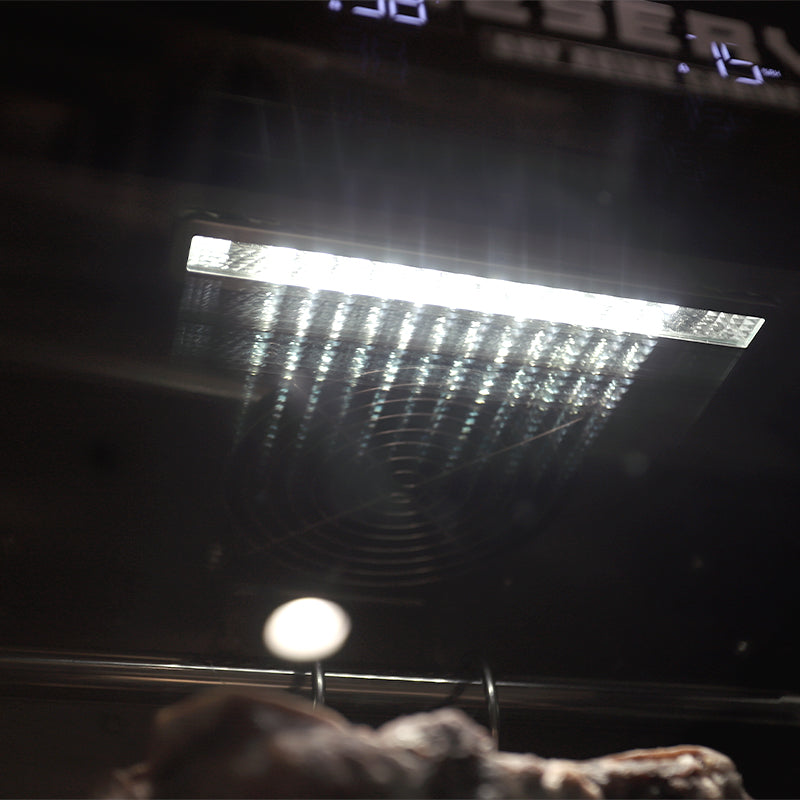
Changing the Interior Light
Learn how to replace the interior lighting in your Reserve 50 Dry Ager. -

Replacing the Motherboard
Follow this tutorial on replacing the motherboard in your Reserve 50 Dry Ager. -

-


-
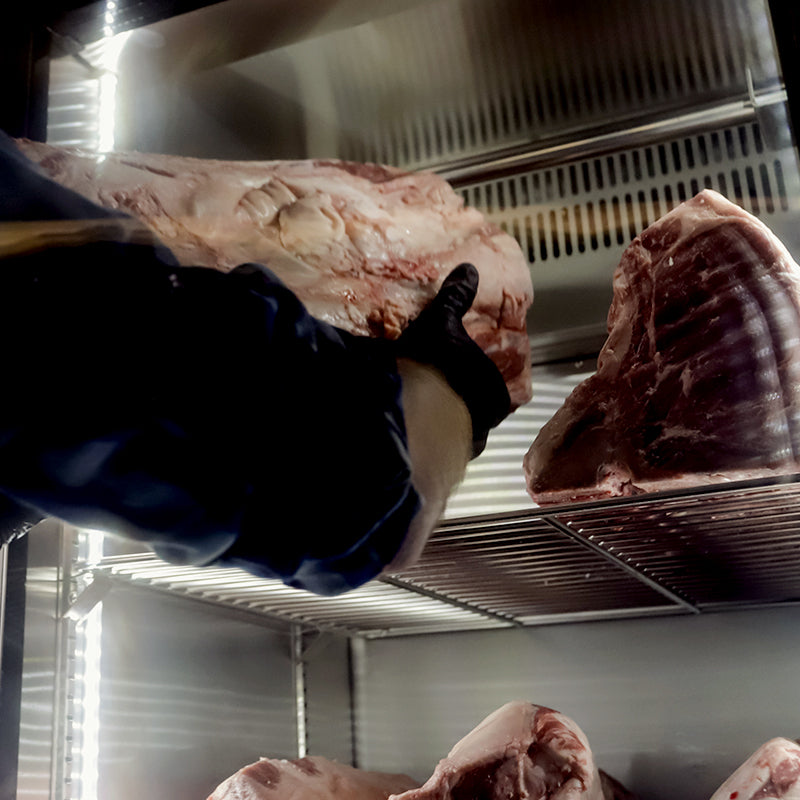
Changing the UV Light (RS-300)
Learn how to replace the UV light in your Reserve 300 Aging Cabinet. -
Replacing the Hygrometer (RS-300)
Learn how to replace the hygrometer humidity monitor in your Reserve 300. -
-
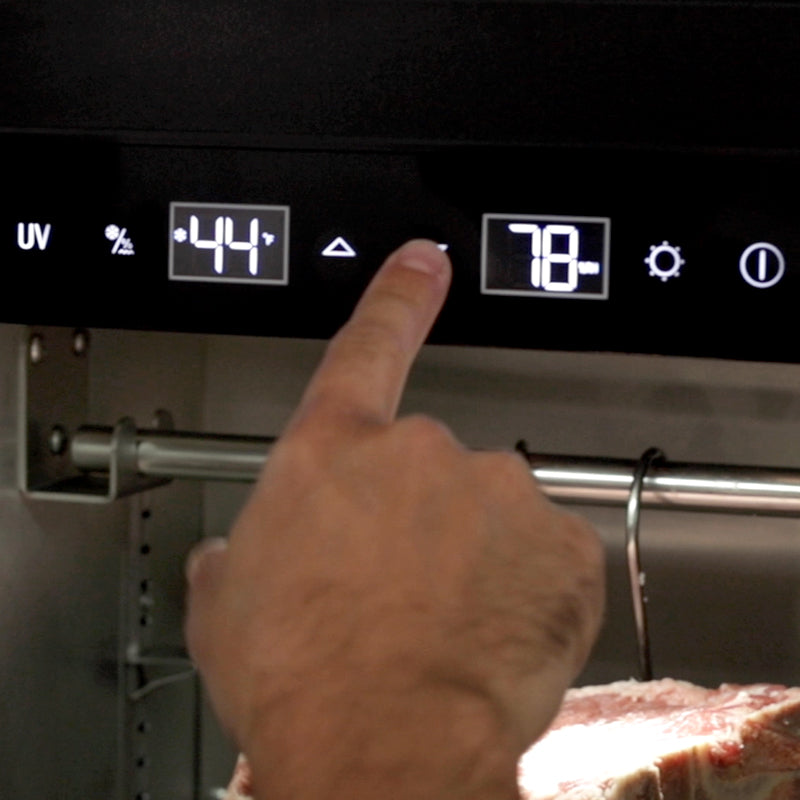
Replacing Controller (50 & 300)
Learn how to replace the controller in your Reserve 50 or Reserve 300 Dry Ager.
Home Smokers
-
-
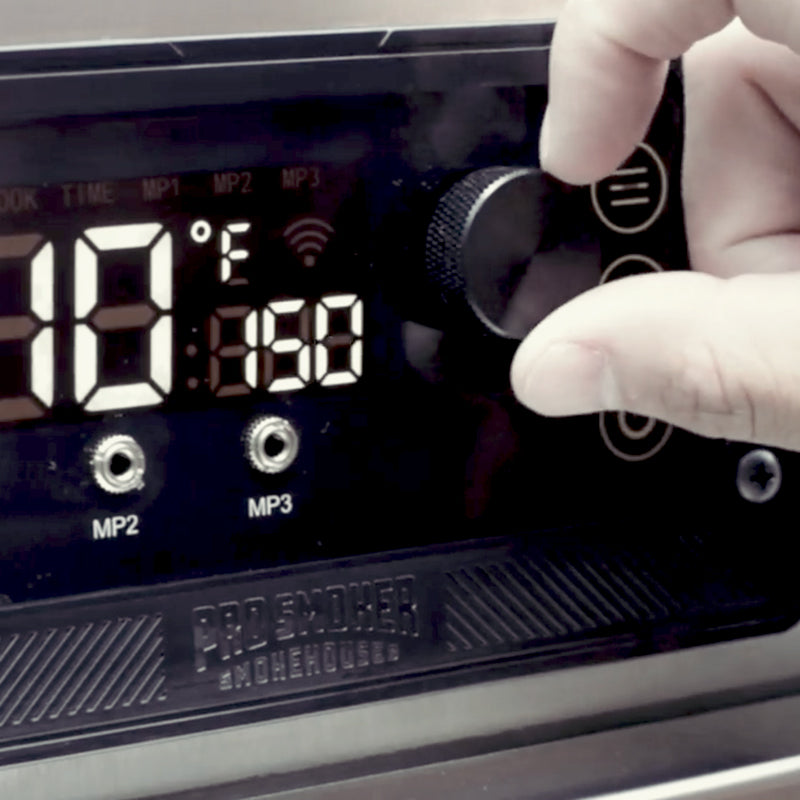
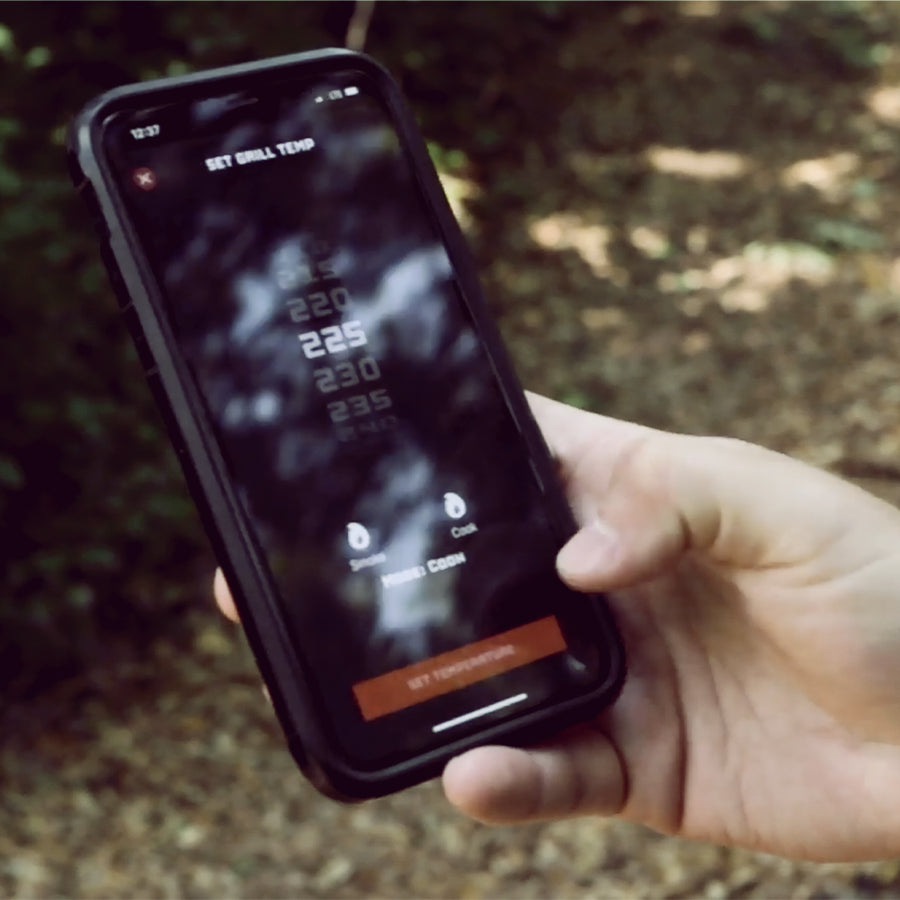
Controller Replacement
Learn how to replace the digital controller in your Pro Classic or Pro Max smoker. -
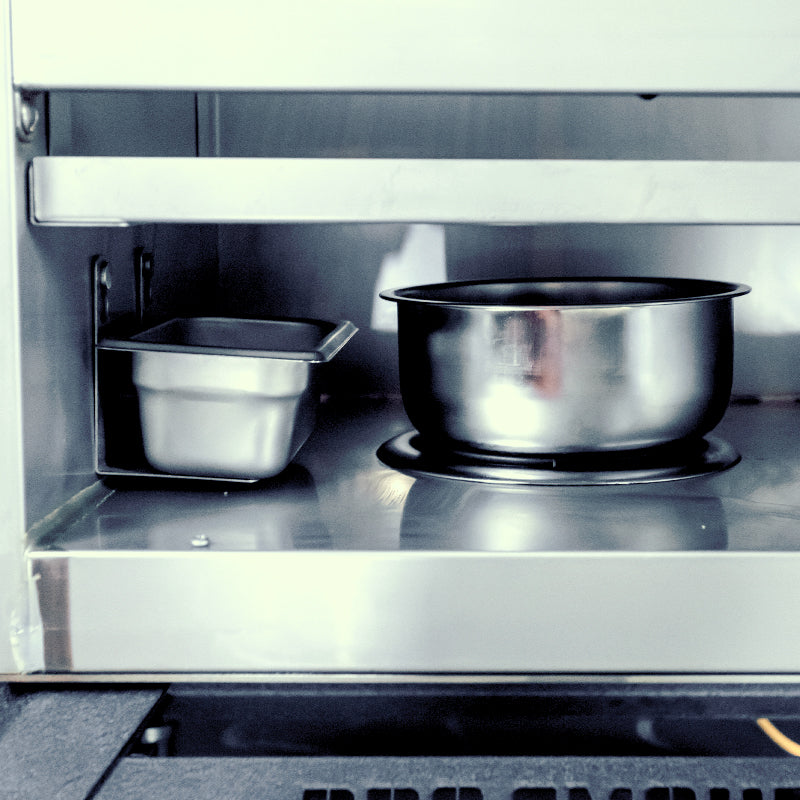
Burner Replacement
Learn how to replace the burner in your Pro Max and Pro Classic smoker. -
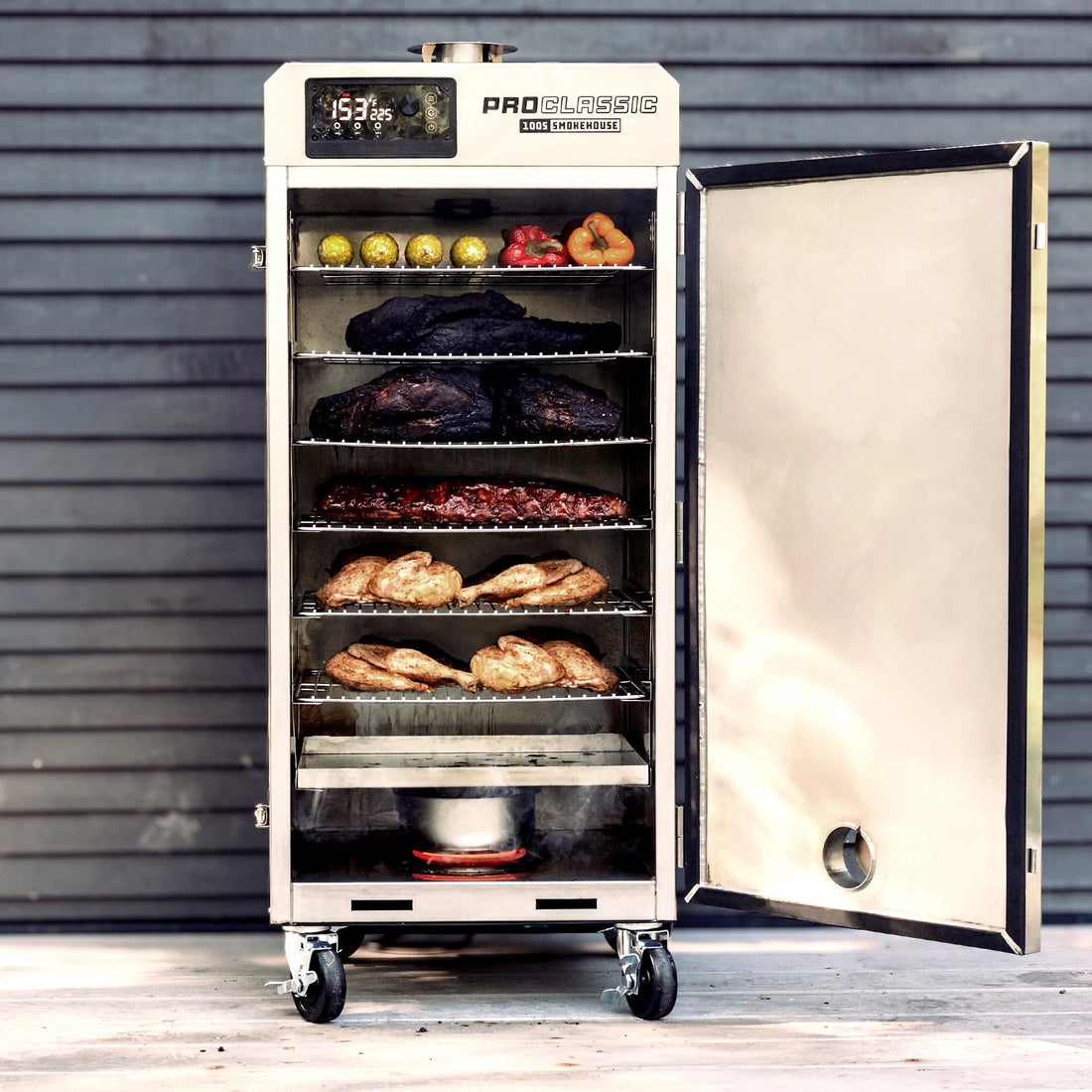
RTD Probe
Learn how to replace the RTD probe in the back of your Pro Classic or Pro Max smoker.
